Catch it before it slips away.
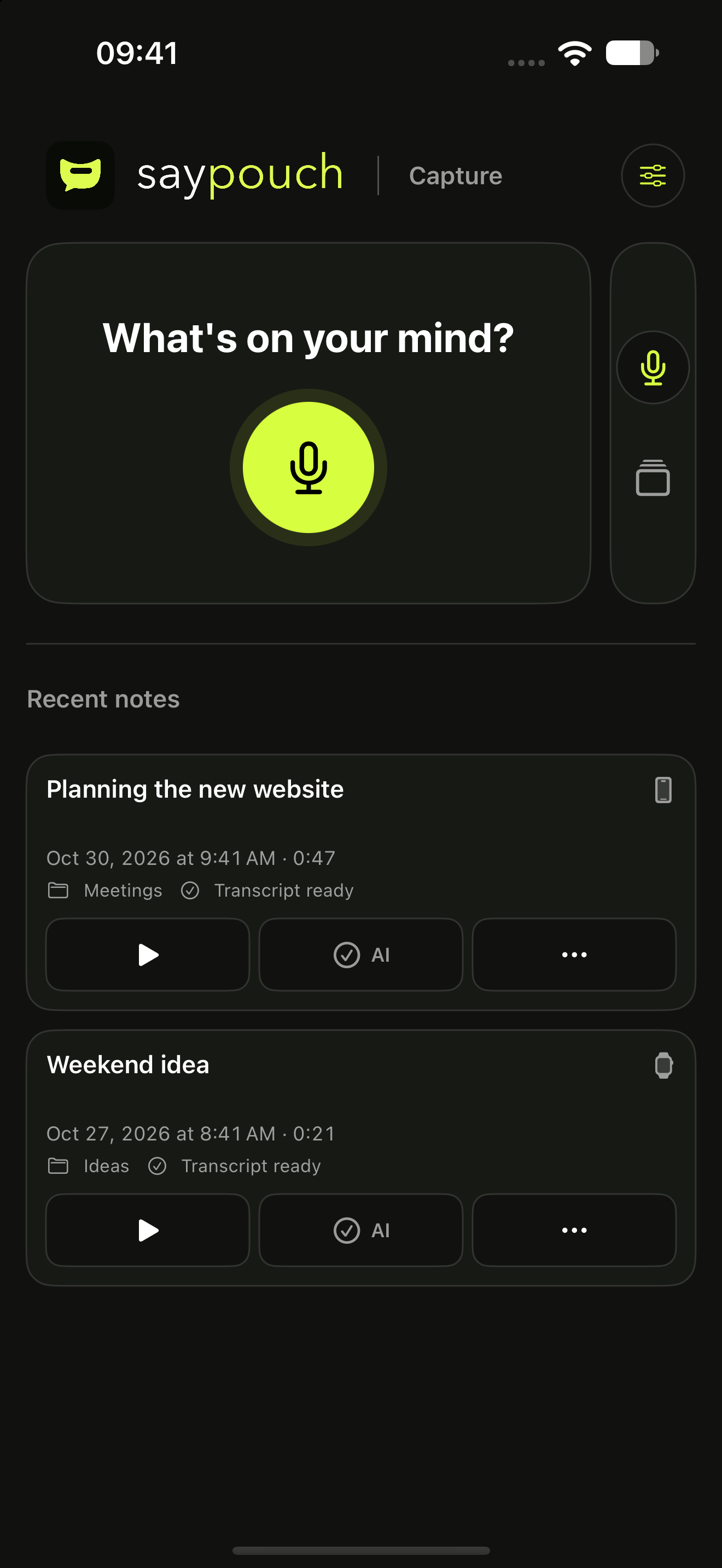
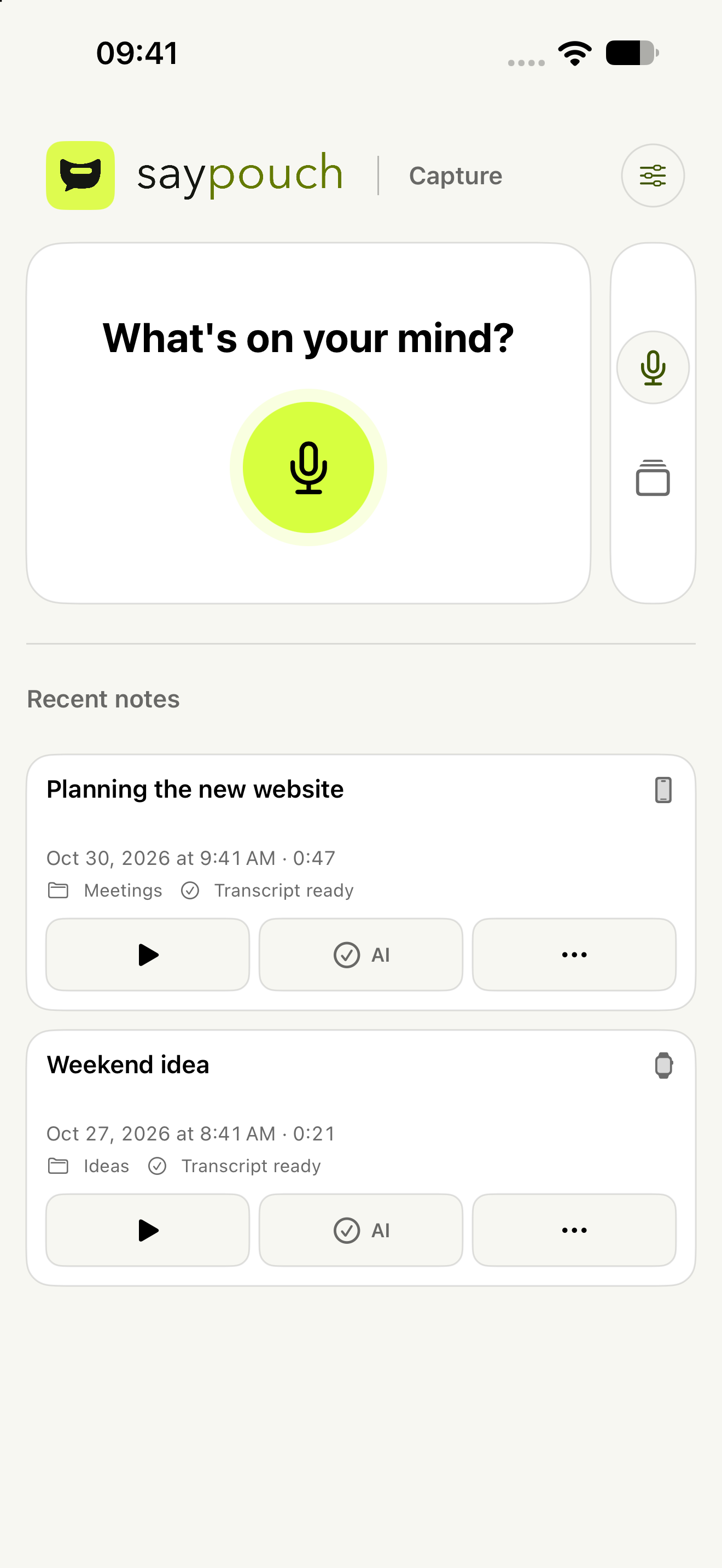
Open saypouch and start speaking. Audio is saved on your iPhone. Recording itself works without internet. A widget or control opens the same recorder.
iPhone · Apple Watch companion app

Voice notebook for iPhone
Say it out loud. Come back to what matters.
Capture an idea or conversation on your iPhone. When you choose, let AI prepare a transcript and summary. Keep the recording and your notes together.
The app is in development. It is not on the App Store yet.
Less typing. More room to listen.
FROM VOICE TO CLARITY
Record the audio. Choose a transcript and summary when you need them.
Facts about saypouchOpen saypouch and start speaking. Audio is saved on your iPhone. Recording itself works without internet. A widget or control opens the same recorder.
iPhone · Apple Watch companion appChoose the outputs and Overview language for a recording, then confirm AI processing once. The transcript stays in the recording’s language. From recording also uses that language for the Overview and title. Find the result alongside the recording and check important details against the audio.
Your recording. Your choice.Search by text, category or date. Play the audio, add your own note and return to the summary. Turn selected text into a reminder or event draft and review it before saving.
Audio, transcripts and your own notes, together.FROM CONVERSATION TO CLARITY
Three fictional recordings in the real saypouch interface. Choose a brief summary, key points, decisions, tasks and deadlines, or open questions. Try selecting outputs and confirming AI once on the last recording.
Try search and filters in Recordings. In Settings, change appearance and iCloud, or open import and Recently Deleted. Use AI to choose outputs and confirm the demo processing once.
This interactive demo uses fictional content dated 18, 27 and 30 October 2026. “Today” means 30 October 2026. Search, filters, custom categories, deletion and recovery work only in this demo’s memory. iCloud, recording, playback and AI processing are simulated: no microphone, sound or data sent to Apple or any server. File export, note text editing, language and sign-in in Settings are previews only.
saypouch AND DYNAMIC ISLAND
When you switch from saypouch to another app, Dynamic Island keeps your recording visible. Touch and hold to expand the controls, then save with a tap.
For iPhones with Dynamic Island and Live Activities enabled. The same controls are also on the Lock Screen.
Explore the controls, or start the connected demo.
Go to the main demoReal saypouch interface with a fictional recording. This connected demo uses no microphone and sends no data.
MORE ROOM FOR YOUR THOUGHTS
Closed, open like a book or propped up like a laptop. saypouch adapts its layout to the space you have available. Capture, Recordings and Settings use the space below the status icons. Left-handed controls move them to the left. On a closed iPhone Duo, the rail always stays on the right below the status icons.
Capture and Recordings stay within reach in a clear single-screen layout.
Recording on the left, recent notes on the right. In Recordings, the list is on the left and the detail on the right; recordings become tiles when there is room.
Recording above, recent notes below. In Recordings, the detail stays above the list and filters.
Recording and your detail edits are preserved when you rotate or close the phone.
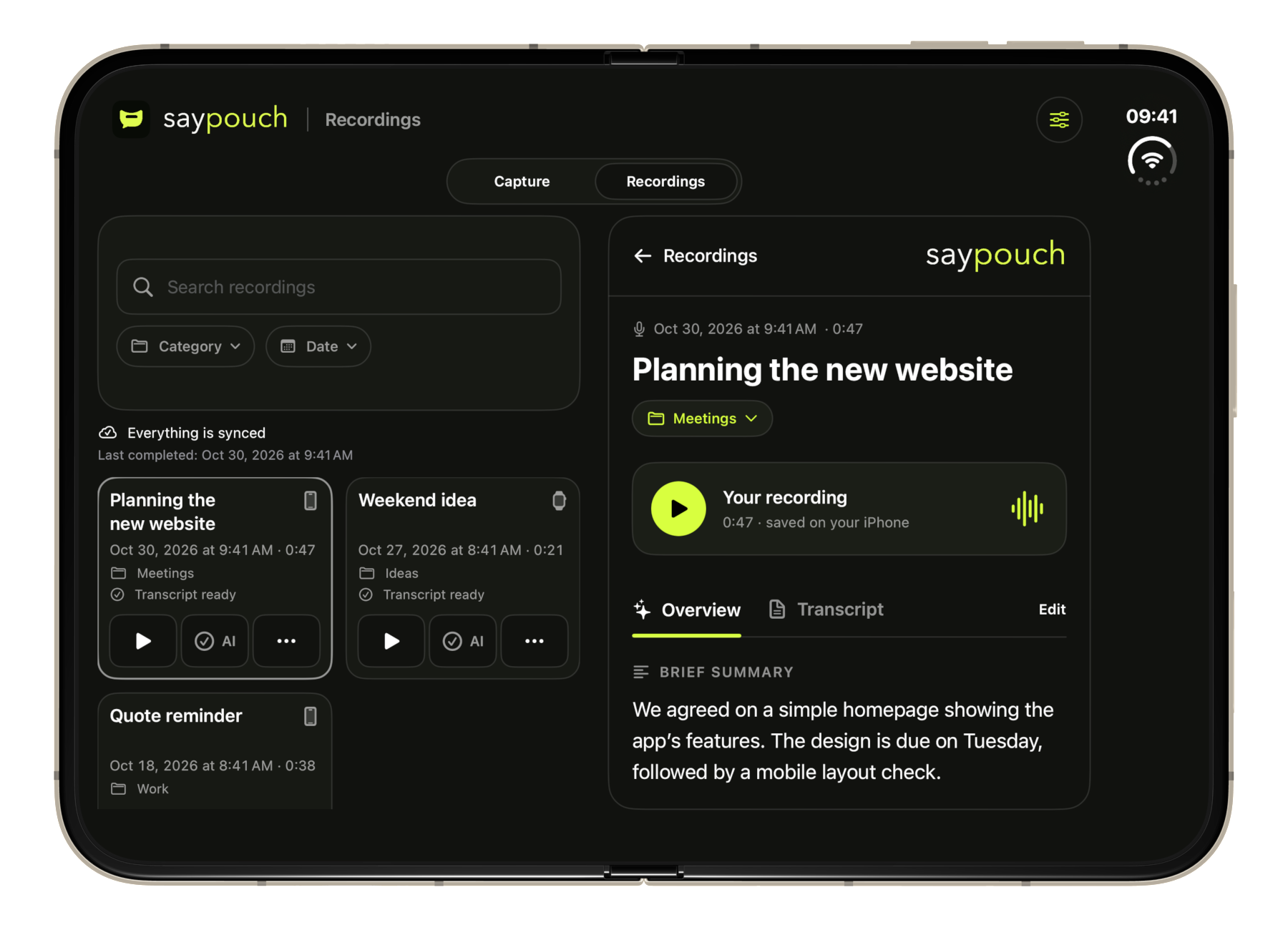
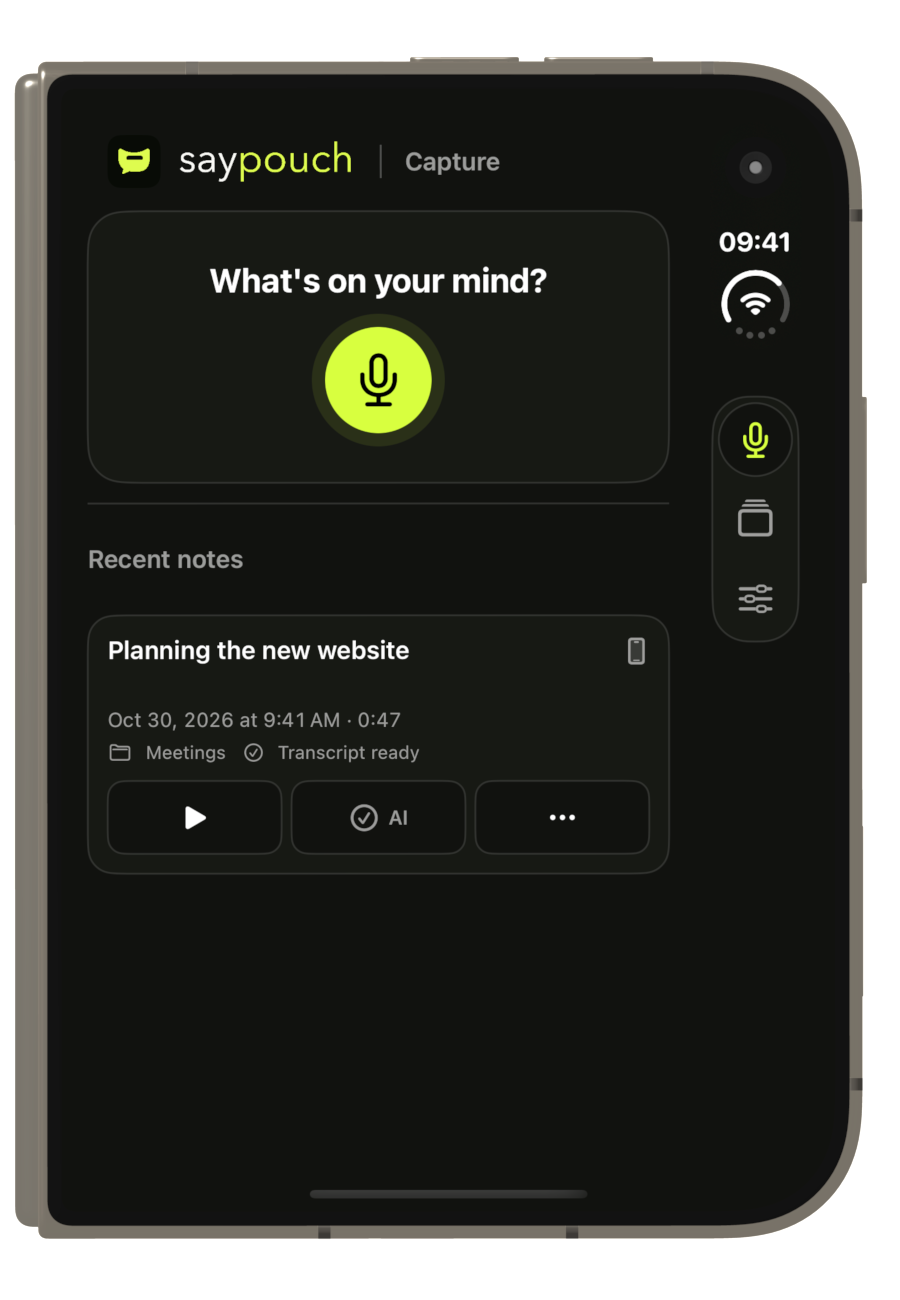
Recordings and notes are saved to the iPhone first. With syncing enabled, they are also stored in your private iCloud. Saving alone never starts AI processing.
Sign in with Apple and approve a specific recording for transcription and a summary. You decide each time whether to process it.
Once syncing is complete, restore them with the same Apple Account. Recover a recording from Recently Deleted for up to 30 days.
Pricing
Here are the planned prices. Plans and extra minutes are not available to buy yet. This price list does not change current testing or deduct any minutes.
Language changes the text. Your App Store country determines the purchase price and currency.
Every plan includes the transcript, an automatic title and your chosen Overview sections. Selecting more sections does not cost extra.
For ideas and shorter recordings.
CZK 199per month
60 minutes / period
CZK 3.32 per minute when the full plan allowance is used
Coming soon
For regular conversations and meetings.
CZK 399per month
240 minutes / period
CZK 1.66 per minute when the full plan allowance is used
Coming soon
For long recordings and busy days.
CZK 799per month
600 minutes / period
CZK 1.33 per minute when the full plan allowance is used
Coming soon
Prices are in Czech crowns including VAT. These are the full plan and pack prices; the per-minute figure is not an extra fee. In other countries, the App Store will show the price before purchase.
Plans and minutesA FEW MORE ANSWERS
The app is in development. It is not on the App Store yet, and we have not set a release date.
An iPhone is all you need. No external recorder is required. saypouch also has an Apple Watch companion app.
Use the saypouch widget, a control in Control Center or on the Lock Screen, or an Apple Watch face complication. These open the same recorder as the app and do not start AI processing. On a supported iPhone, you can assign the Start recording shortcut to the Action button. Availability depends on the system and device; iOS may require unlocking and microphone permission.
You can record audio without internet. AI transcription and summaries need a connection.
The recording language is independent of the app language. The transcript stays in the original language; the default From recording option creates the Overview and automatic title in the recording’s main language. You can also choose Czech, English, Slovak, German or Polish for the Overview. We have carried out basic transcription and Overview tests in these five languages. Multilingual AI processing does not guarantee an error-free result: quality depends on the language and audio. We do not have a documented complete language list or guaranteed count for the current OpenAI model, so we do not promise one. The app interface remains available in five languages.
We are preparing saypouch mini at CZK 199 / 60 minutes, pro at CZK 399 / 240 minutes and max at CZK 799 / 600 minutes per month. See Pricing for the Czech prices including VAT, extra-minute packs and rules. Purchases are not available yet.
Audio is saved on the watch even without a connected iPhone. Transfer to the paired phone is queued automatically and may take a while. You start AI processing on your iPhone. saypouch does not need to stay open on iPhone for transfer. If a transfer is waiting, unlock your iPhone and open saypouch. On iPhone · copy kept here appears only after saving is acknowledged, not just after sending. The original audio remains on Watch.
No. saypouch records audio through the microphone. An incoming call may interrupt a recording.
With iCloud syncing enabled, recordings and notes are also stored in your private iCloud. On a new iPhone, use the same Apple Account and enable syncing. Check the sync status to confirm completion. Deleted items can be recovered for 30 days in Recently Deleted. Encrypted export of an individual recording remains an additional option. Custom categories are restored too, including empty ones.
No. Recording and playback do not require AI. Only a recording you explicitly approve is sent for processing. Signing in alone does not send audio or note text.
You can close the recording detail and switch to another app. Already confirmed AI processing can continue for as long as iOS allows. iOS 26 and later support extended continuation; earlier supported versions provide limited background time. The system, connection loss or force-quitting the app may interrupt the work. If the result is uncertain, saypouch does not automatically upload the audio again; check the status and confirm any new attempt.
In the recording detail, choose Create from recording, then Add to Reminders or Add to Calendar. Select text and edit the title, note and optional date. saypouch does not infer a deadline or assignee from the text. You save an event in the system Calendar editor; saypouch does not read your calendar. Reminders requires full iOS permission only when you explicitly save. A reminder without a chosen date has no deadline; choose a date before creating an event.
In Settings Recordings, choose Import audio and select a file from Files. MP3, M4A, AAC, WAV, AIFF and CAF: up to 23 MB and 47 minutes. Check the name and duration, then tap Import. The original file stays unchanged; AI does not start. In an audio file’s share sheet, choose saypouch and Prepare for import. Then open Settings Recordings Finish audio import in saypouch. Pending imports stay on the device until you confirm or cancel them. Finish recording and any AI processing first.
You can enable iPhone search in Settings. It is off by default. Spotlight receives only local recording titles and categories, not audio, transcripts or notes. Results may be visible outside saypouch. Enabling App lock clears the index and the app displays removal status; this preference does not sync between devices.
Enable App lock in Settings Privacy and security. Enabling and disabling it requires system authentication; on returning, unlock the app with Face ID, Touch ID or your iPhone passcode, depending on your device. The lock is off by default. When enabled, it also hides the app-switcher preview. It does not stop ongoing recording or already confirmed AI processing. The lock applies only to this iPhone and does not protect files already exported.
COMING TO IPHONE
See what stays after a conversation.
Explore the preview


